
Outlook Sent Items Not Appearing In Sent Items Folder
Last updated by Ernesto Hidalgo at Mar 08, 2019 11:25 PM
When users have access to a resource mailbox and they reply to an email the email may not go into the sent items folder of that resource account. Rather you will find it in the user's sent items folder which causes an issue because a resource account is collaborative and if other users cannot see which emails were responded to it creates miscommunication. This is the fix to have sent messages appear in the resource sent items folder.
Solution
To apply this fix we must change some registry keys in order to reflect the behaviour that we are looking for.
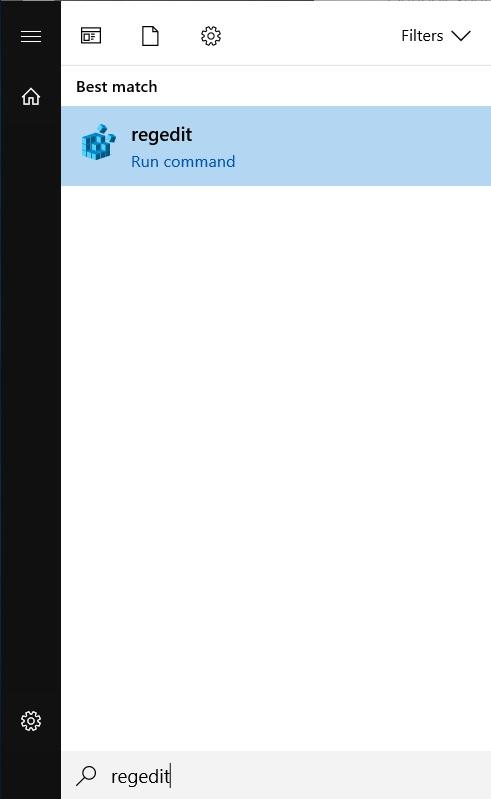
- Please open up regedit from the start menu
- Navigate to the following key:
[HKEY_CURRENT_USER\Software\Microsoft\Office\16.0\Outlook\Preferences]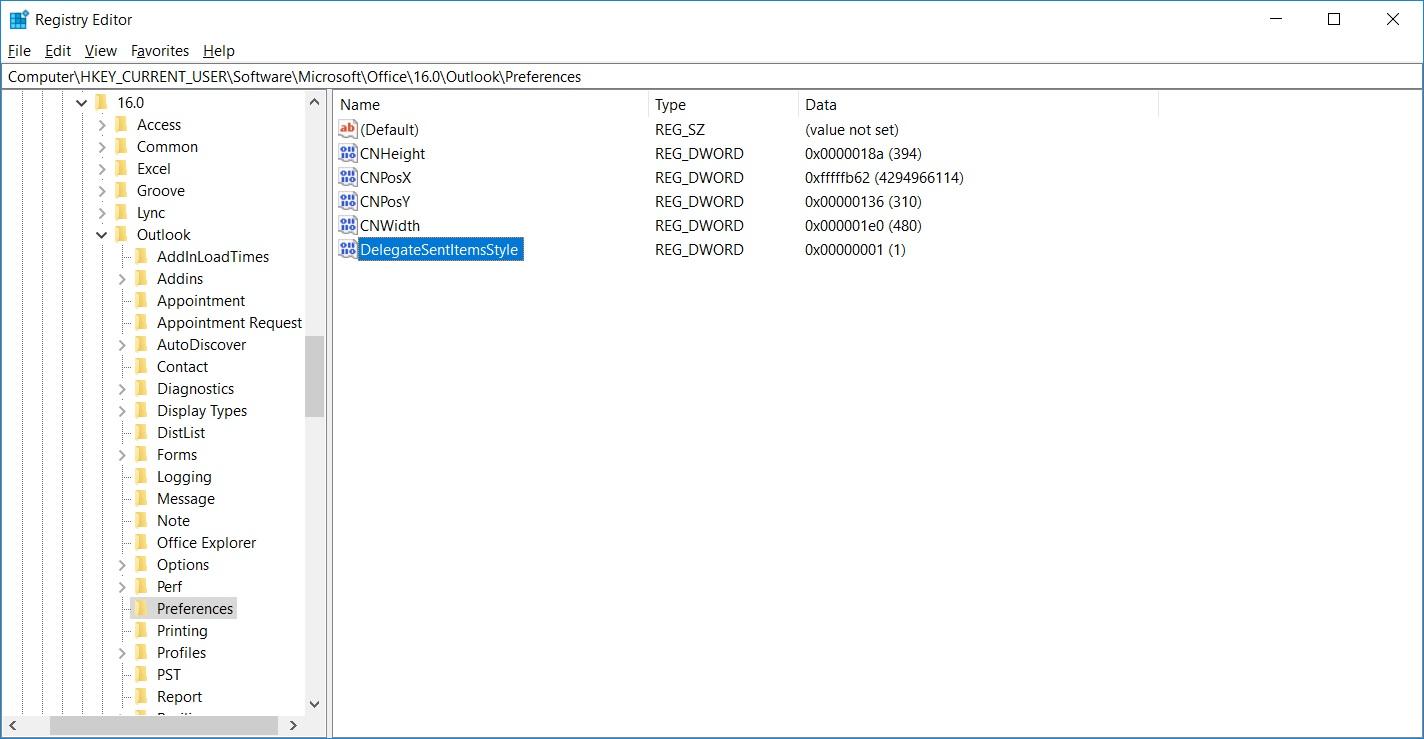
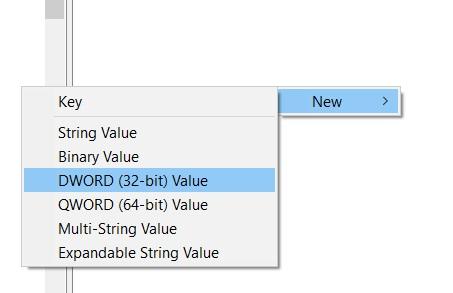
- Right-click on a blank spot in the right hand side and click on New > DWORD (32-bit) value
- Input DelegateSentItemsStyle and click on the Enter key
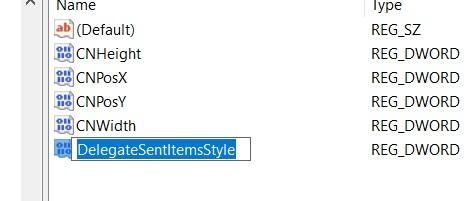
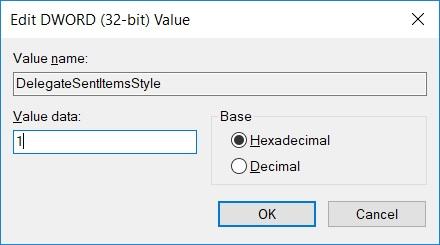
- Please right-click on it and select modify then change the Value data to 1 then click on OK.
Optional Step
In addition to the sent items, the deleted items also tends to have the same behaviour of sending emails to the delegates folders rather than the resource's folders. If you wish to have it sent deleted items to the resource's deleted folder please also:
- Navigate to
[HKEY_CURRENT_USER\Software\Microsoft\Office\16.0\Outlook\Options\General]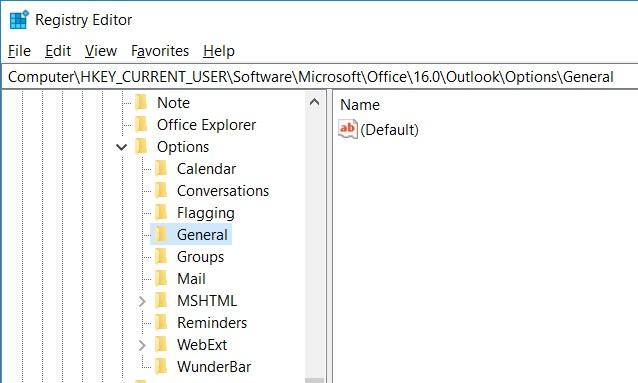
- Right-click on a blank spot in the right hand side and click on New > DWORD (32-bit) value
- Input DelegateWastebasketStyle and click on the Enter key
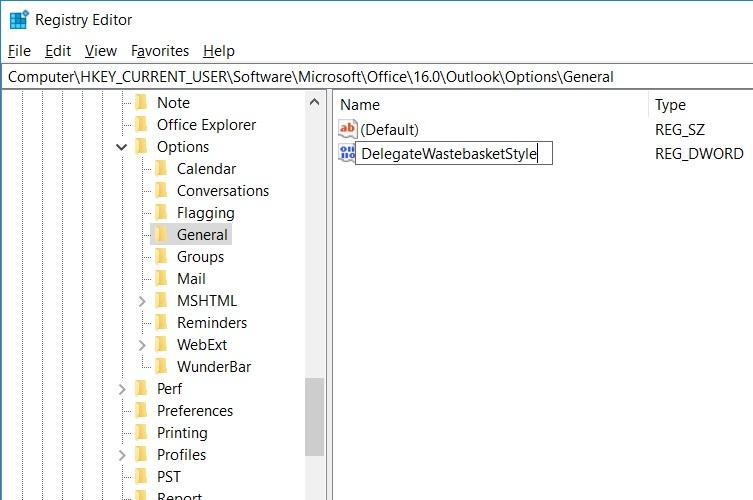
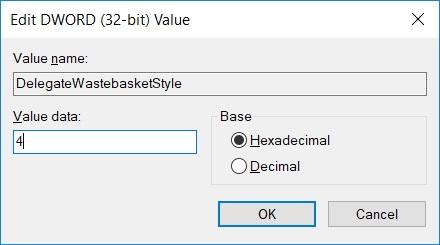
- Please right-click on it and select modify then change the Value data to 4 then click on OK.