
Setup a Skype Broadcast
Last updated by Sharokh Pournazari at Feb 27, 2019 08:53 PM
Skype is a very powerfully tool within the Microsoft Office Suite that allows for virtual communications with multiple users or a huge audience. The Broadcast feature enables you to create a webinar environment that can support up to 10,000 users. This document will aim to display how to setup a Broadcast for when you have a huge audience.
Procedure
- Navigate to https://broadcast.skype.com in a browser
- Here you will see all your Broadcasts as well as calendar and a help section. Please click on New Meeting in the upper left portion of the screen.

- Fill out all the information of the broadcast (ie. Meeting title, Schedule, participants, as well as video recording options) and then click Create.
Please note: Members here refers to people who will be able to take over the webinar as well. - Upon successful creation of the event you will be redirected to a screen with all detail pertaining to the broadcast. To share this even there are two options:
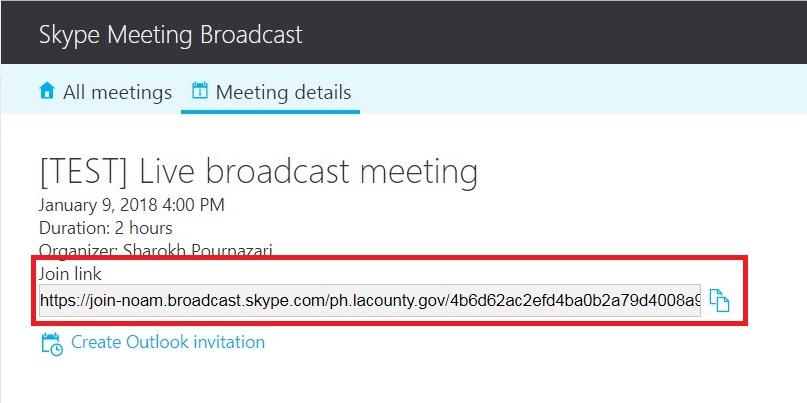
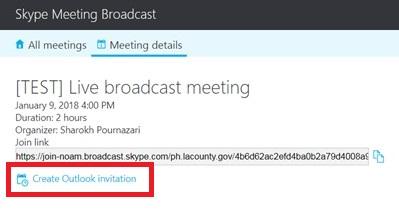
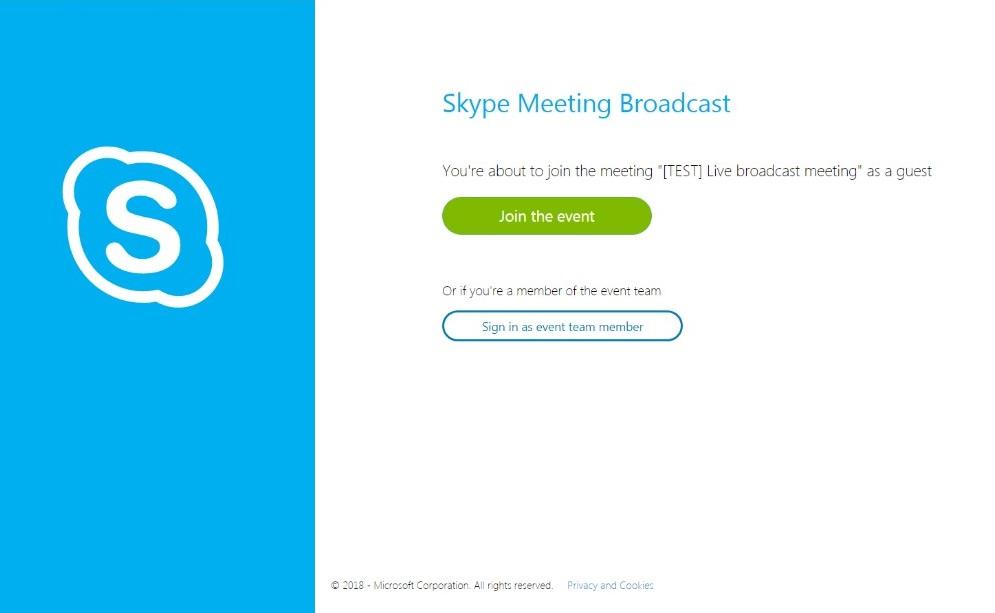
- At the time of the meeting, please navigate to the meeting via the link and be sure to join the meeting as an event team member and NOT as a guest