

Begin a Skype PSTN Conference
Last updated by Sharokh Pournazari at Mar 01, 2019 09:03 PM
Skype is a very powerfully tool within the Microsoft Office Suite that allows for virtual communications with multiple users. The Public Switched Telephone Network (PSTN) Conferencing feature enables you to create the dial-in number within Skype for Business whilst still maintaining the conference environment. This document will aim to display how to setup a PSTN conference.
Procedure
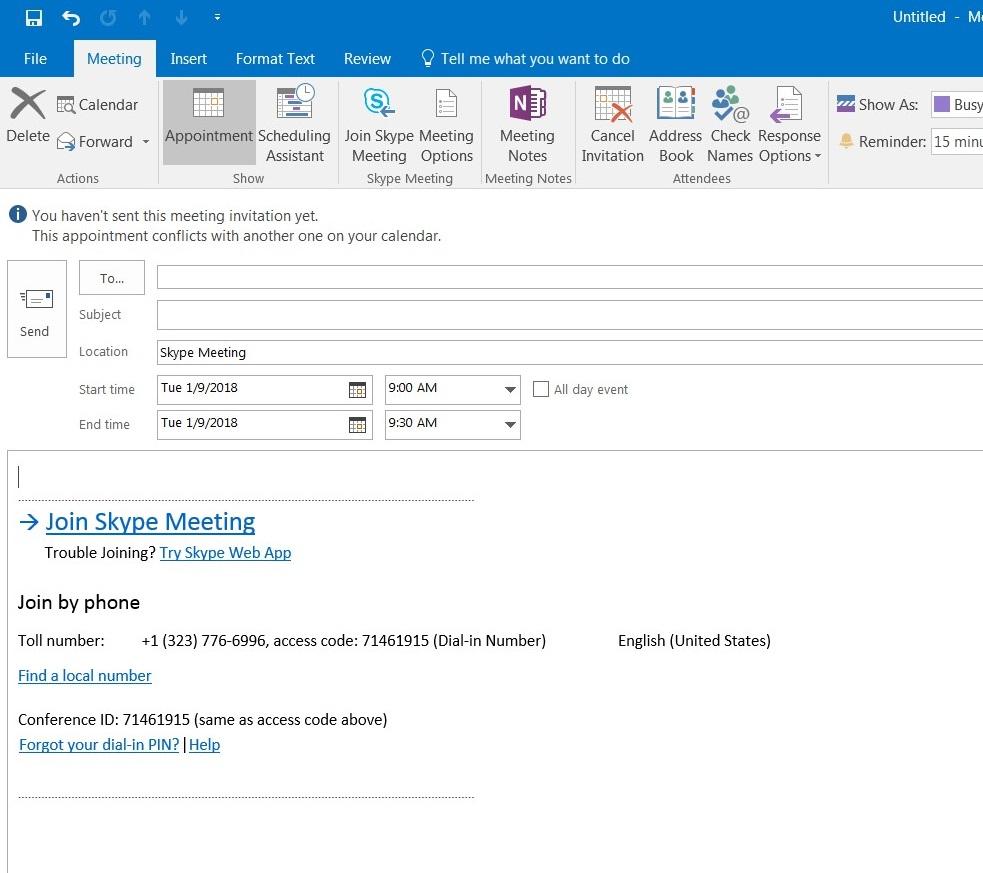
- Please open your Outlook and navigate to New Items then Skype Meeting in the upper left corner.

- Please fill out all the information of the meeting (ie. Subject, attendees, date/time, as well as additional detail in the body) and then click Send.
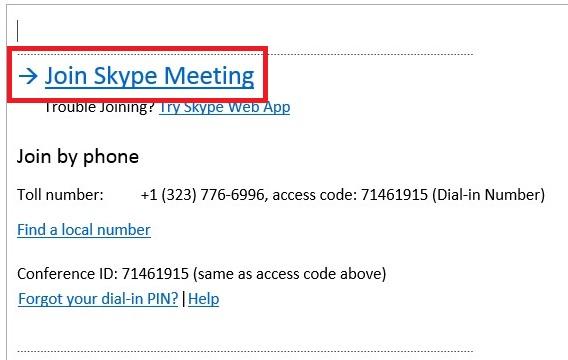
- An entry will be created into your calendar and the day of the meeting you will be able to either click on the event and then on the link or click on Join Meeting in the event reminder that will popup.
OR 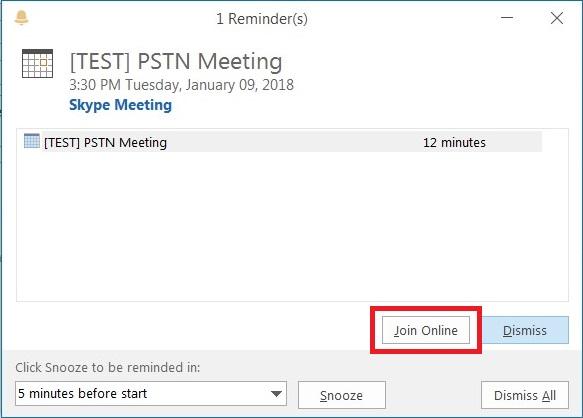
Click on the link to join the meeting Click on Join Meeting to join